
DEWALT power tools are renowned for their durability and performance, but like all electronic equipment, they can sometimes overheat during use. Overheating can reduce efficiency, damage internal components, or even cause safety hazards. Understanding the common causes of overheating and knowing how to troubleshoot and fix the issue is essential for maintaining your tools’ longevity and safe operation.

Get garden gear delivered free with Prime
- Fast, free delivery on millions of items
- Prime Video, Amazon Music and more included
- Member-only deals all year
In this guide, we’ll walk you through the most common causes of overheating in DEWALT cordless drills and impact drivers, specifically referencing the DEWALT 20V MAX Cordless Drill and Impact Driver (DCK277D2). You’ll find practical, step-by-step solutions to identify the root cause, prevent future problems, and keep your tools working at their best.
Key Takeaways
| Overheating Causes | Overuse, poor ventilation, or damaged batteries can cause overheating. |
| Check & Clean | Regularly clean vents and switches to prevent heat buildup. |
| Battery Care | Using damaged or incompatible batteries increases heat risk. |
| Proper Usage | Avoid prolonged continuous use to prevent overheating. |
| Preventive Maintenance | Routine inspections extend tool life and safety. |
Understanding Why Your DEWALT Power Tool Overheats
Overheating in DEWALT power tools can be caused by several factors. Common reasons include overuse beyond the recommended duty cycle, restricted ventilation due to dust or debris, or a malfunctioning battery. The DEWALT 20V MAX Cordless Drill and Impact Driver are designed with efficient brushless motors that generate less heat during operation, but excessive strain or poor maintenance can still lead to overheating.
Recognizing early signs—such as the tool feeling unusually hot to touch, a burning smell, or the trigger becoming unresponsive—can help prevent damage. It’s important to understand these causes so you can take appropriate action promptly.
Step 1: Safely Power Down and Inspect the Tool
- Turn off the tool and remove the battery immediately to prevent further heat buildup.
- Allow the tool to cool down in a well-ventilated space for at least 15-30 minutes.
- Inspect the exterior for dust, debris, or obstructions blocking vents or switches.
Step 2: Clean and Clear Ventilation Openings
- Use compressed air or a soft brush to clear dust and debris from vents, motor housing, and switch areas.
- Ensure no debris is lodged inside the vents that could trap heat during operation.
- Check the air vents regularly during use, especially if working in dusty environments.
Step 3: Examine and Test the Battery
- Inspect the battery for swelling, corrosion, or damage—do not use if damaged.
- Use the battery’s LED fuel gauge to check its charge level; a low or irregular reading may indicate a faulty battery.
- Try using a different, fully charged battery compatible with your tool to see if overheating persists.
Step 4: Avoid Overloading the Tool
Overloading your DEWALT drill or impact driver can cause excessive heat buildup. Use the correct bit size and type for your task, and avoid forcing the tool through tough materials. Let the tool rest periodically during prolonged use to prevent overheating.
Step 5: Maintain and Service Your Tool Regularly
Follow the manufacturer’s recommendations for routine maintenance. Replace worn-out parts, such as brushes or switches, and ensure the motor and internal components are clean and functioning properly. If overheating continues despite these measures, consult a professional repair technician or contact DEWALT customer service.
The Products in This Guide

DEWALT 20V MAX Cordless Drill and Impact Driver
- ✔ Battery Capacity: 5Ah
- ✔ LED Light: Yes
- ✔ Weight: Lightweight

DEWALT Drill Bit Set
- ✔ Tip Type: Split point
- ✔ Material: High Speed Steel
- ✔ Coating: Black and gold
DEWALT 20V MAX Cordless Drill and Impact Driver
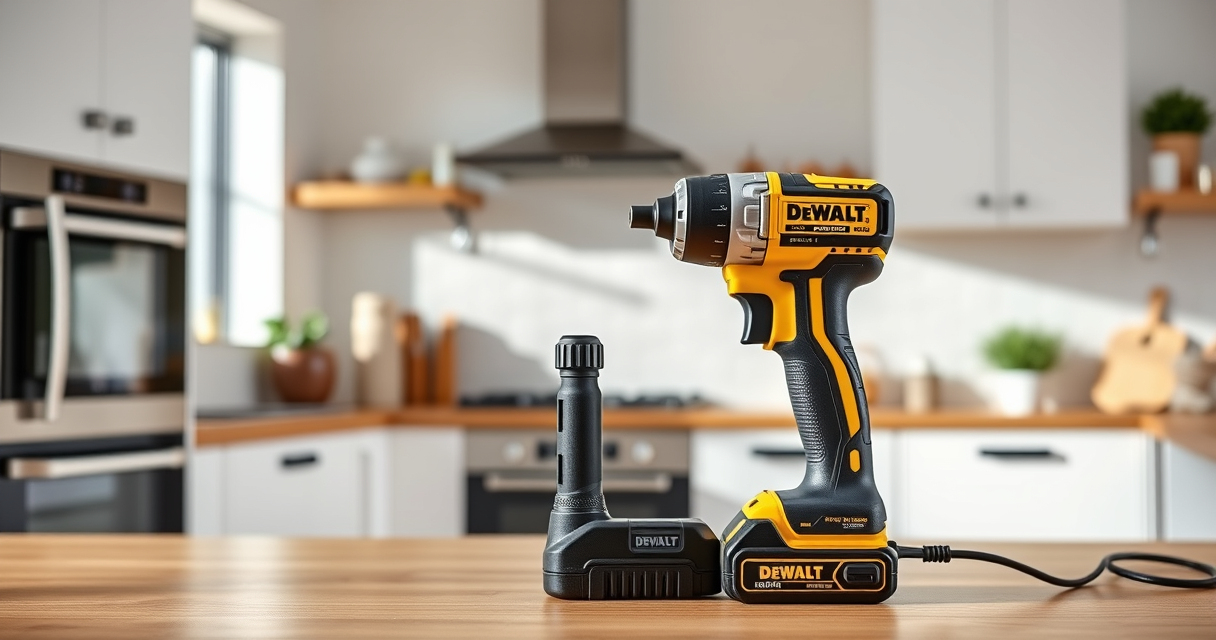
The DEWALT 20V MAX Cordless Drill and Impact Driver (DCK277D2) offers a compact, lightweight design with ergonomic features and brushless motors that produce less heat. It’s ideal for a wide range of projects, providing controlled power with its variable speed trigger and bright LED lighting. Proper care and maintenance are key to preventing overheating and ensuring longevity.
Pros:
- Compact and lightweight
- Ergonomic grip for comfort
- Brushless motor for less heat
- Includes 2 batteries and charger
Cons:
- Battery life can vary under heavy load
- Requires regular cleaning and inspection
- Limited to 20V system
Best for: Home improvement projects, DIY repairs, light to medium-duty drilling
Not ideal for: Heavy industrial use or prolonged continuous operation
Bottom line: A dependable, versatile cordless drill and impact driver combo suited for most DIY tasks, with proper maintenance to prevent overheating.
DEWALT Drill Bit Set
The DEWALT 14-Piece Drill Bit Set with 135-degree split point tips offers durability and precision for plastic, wood, and metal. It’s a great accessory to complement your cordless drill, ensuring clean holes and reducing strain on your tool, which can help prevent overheating caused by excessive force or improper bits.
Pros:
- High Speed Steel construction
- Reduces walking with split point tip
- Corrosion-resistant coating
- Easy size identification
Cons:
- Limited to smaller sizes
- No impact-rated bits included
- Not suitable for heavy-duty industrial tasks
Best for: General drilling in DIY projects, carpentry, metalwork
Not ideal for: Heavy-duty industrial drilling or large diameter holes
Bottom line: A versatile, durable drill bit set that enhances your drilling accuracy and reduces tool stress, helping prevent overheating.
Frequently Asked Questions
Why does my DEWALT power tool overheat so quickly?
Overheating can occur due to overuse, blocked vents, incompatible batteries, or excessive load. Regular inspection and proper use help prevent this.
How often should I clean the vents of my DEWALT tool?
Clean the vents at least once a month or more frequently if working in dusty environments to ensure proper airflow and cooling.
Can I continue using a tool that feels hot to touch?
No, turn off the tool immediately, unplug or remove the battery, and allow it to cool. Continuing to use it can cause damage or safety hazards.
What should I do if my battery gets hot during use?
Stop using the battery, let it cool down, and inspect for damage. Replace if swelling, corrosion, or other damage is visible.
How can I prevent overheating during prolonged use?
Take regular breaks, avoid forcing the tool, use appropriate bits, and keep vents clean for optimal cooling.
Keep Your DEWALT Tools Cool and Efficient
Proper maintenance and careful operation are essential to prevent overheating in your DEWALT power tools. Regularly inspect, clean, and use the tools within their recommended limits to ensure safety and longevity. When issues arise, follow the step-by-step troubleshooting guide to identify and fix the problem quickly. Remember, a well-maintained tool not only performs better but also keeps you safe during every project.
Affiliate disclosure: As an Amazon Associate we earn from qualifying purchases. Prices and availability are accurate as of the time of publishing.
Halloween Picks
halloween
As an affiliate, we earn on qualifying purchases.