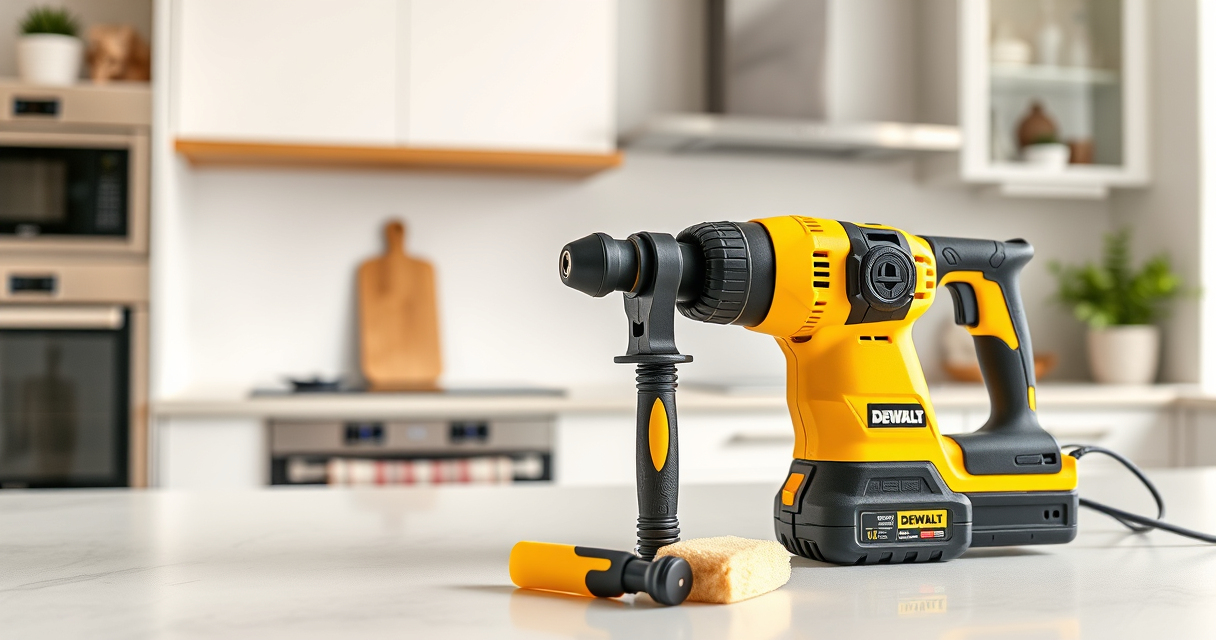

Maintaining your DEWALT power tools is essential to ensure long-lasting performance, safety, and reliability. Proper upkeep not only extends the life of your tools but also prevents costly repairs and downtime. Whether you’re a DIY enthusiast or a professional, understanding how to properly care for your DEWALT equipment is crucial.

Get garden gear delivered free with Prime
- Fast, free delivery on millions of items
- Prime Video, Amazon Music and more included
- Member-only deals all year
In this comprehensive guide, we’ll walk you through practical maintenance routines, troubleshooting common issues, and tips to keep your DEWALT tools in top condition. We’ll focus specifically on the DEWALT 20V MAX Cordless Drill and Impact Driver, a versatile and popular power tool combo kit, but the principles apply broadly to most DEWALT power tools.
Key Takeaways
| Regular Cleaning | Keeping your tools free of dust and debris prevents overheating and mechanical issues. |
| Battery Maintenance | Properly storing and charging batteries extends their lifespan and ensures consistent power. |
| Routine Inspection | Check for loose parts, worn bits, or damaged cords to prevent accidents and failures. |
| Lubrication | Applying appropriate lubricant to moving parts reduces wear and improves operation. |
| Troubleshooting Basics | Identifying common issues like battery failure or motor noise helps in quick repairs. |
Cleaning and Visual Inspection
- Unplug or remove batteries before cleaning to ensure safety.
- Use a soft brush or compressed air to remove dust, dirt, and debris from vents, switches, and moving parts.
- Inspect the drill and impact driver for cracks, loose screws, or worn out bits.
- Check the quick-release hex chuck for any debris or damage that could affect bit retention.
- Wipe down the exterior with a damp cloth, avoiding harsh chemicals that could damage plastic or labels.
Regular cleaning helps prevent overheating and mechanical failure, while visual inspections catch potential problems early.
Battery Care and Maintenance
- Always use DEWALT-approved chargers and batteries to ensure compatibility and safety.
- Store batteries in a cool, dry place away from direct sunlight or extreme temperatures.
- Charge batteries fully before storing for long periods; avoid leaving them in a discharged state.
- Use the LED indicator to monitor the charge level and prevent overcharging.
- Periodically cycle through full charge and discharge to maintain battery health when not in frequent use.
Proper battery care maximizes runtime and extends overall lifespan, ensuring your tools are ready when needed.
Lubrication and Mechanical Checks
- Apply a few drops of light machine oil to the chuck’s moving parts periodically to keep bits changing smoothly.
- Check the gear housing for any signs of wear or debris buildup.
- Ensure that the trigger mechanism moves freely and responds correctly.
- Inspect brushes (if accessible) in the motor for wear, replacing them if necessary.
- Lubricate the trigger and switch components if they become stiff or unresponsive.
Maintaining lubrication reduces friction and wear, helping your tools operate smoothly and last longer.
Troubleshooting Common Issues
- Tool not turning on: Check the battery charge level, ensure it is properly inserted, and verify the fuse or circuit breaker.
- Reduced power or speed: Clean the brushes, check for battery wear, and ensure no debris blockages.
- Overheating: Allow the tool to cool down; clean vents and avoid prolonged use without breaks.
- Bits slipping or not holding: Inspect the chuck for damage, clean debris, and tighten securely.
- Unusual noises: Stop use immediately, check for jammed bits or worn gears, and seek professional repair if needed.
Most problems are simple to diagnose with consistent inspection and proper care, saving time and repair costs.
Storing Your Power Tools Properly
- Keep your DEWALT tools in a dry, clean environment to prevent rust and corrosion.
- Use the provided carrying case or a dedicated toolbox for organized storage.
- Remove batteries if storing for long periods to prevent leakage or degradation.
- Keep tools away from extreme temperatures, which can damage internal components.
- Label and organize your accessories, like drill bits and chargers, for quick access.
Proper storage protects your investment and makes your tools ready for the next project.
The Products in This Guide

DEWALT 20V MAX Cordless Drill and Impact Driver
- ✔ Type: Cordless drill and impact driver
- ✔ Color: Yellow and black
- ✔ Material: High-strength plastic and metal

DEWALT Drill Bit Set
- ✔ Type: Drill bit set
- ✔ Color: Black and gold
- ✔ Use: Plastic, wood, metal
DEWALT 20V MAX Cordless Drill and Impact Driver
The DEWALT 20V MAX Cordless Drill and Impact Driver combo kit is a top choice for both DIYers and professionals. Its compact, lightweight design, ergonomic grip, and bright LED make it easy to use in tight or dark spaces. Proper maintenance will ensure this versatile set continues to perform reliably for years.
Pros:
- Compact and lightweight design
- Ergonomic comfort grip
- Includes 2 batteries and charger
- Bright LED for visibility
Cons:
- Battery life can diminish over time
- Charger may take a while to fully charge batteries
- Bits and accessories are sold separately
Best for: Ideal for home improvement, furniture assembly, and light construction tasks.
Not ideal for: Not suited for heavy-duty industrial work or prolonged high-torque applications.
Bottom line: A reliable, versatile cordless drill and impact driver combo perfect for most household and light professional projects.
DEWALT Drill Bit Set
Pair your DEWALT drill with this 14-piece drill bit set, designed for plastic, wood, and metal. Its 135-degree split point helps reduce walking, ensuring precise drilling every time, making it a perfect accessory for your power tools.
Pros:
- High-Speed Steel construction
- Split point design improves accuracy
- Includes a range of sizes
- Rust-resistant coating
Cons:
- Bits can wear with heavy use
- No carrying case included
- Limited to standard materials
Best for: Ideal for general drilling tasks in various materials around the home or workshop.
Not ideal for: Not suitable for heavy-duty industrial applications or specialized materials.
Bottom line: A versatile and durable drill bit set that enhances the precision and efficiency of your DEWALT drill.
Frequently Asked Questions
How often should I clean my DEWALT power tools?
Regular cleaning after each use is recommended, especially removing dust and debris from vents and moving parts to prevent overheating and mechanical issues.
Can I use any batteries with my DEWALT tools?
It is best to use DEWALT-approved batteries compatible with your specific model, such as the DCB205-2 5Ah batteries, to ensure safety and optimal performance.
What should I do if my drill is not turning on?
First, check the battery charge and ensure it is properly inserted. If the battery is charged and the problem persists, inspect for any loose parts, faulty switch, or damaged wiring.
How can I prevent my batteries from losing capacity?
Store batteries in a cool, dry place, avoid deep discharges, and periodically cycle the batteries through full charge and discharge cycles to maintain health.
Is it safe to leave my DEWALT tools plugged in?
Most DEWALT tools are cordless and battery-powered, so they do not need to be plugged in during use. When charging batteries, do so in a well-ventilated area and avoid overcharging.
Keep Your DEWALT Tools in Peak Condition for Peak Performance
Regular maintenance and proper troubleshooting are key to ensuring your DEWALT power tools operate safely and efficiently over the years. By following the steps outlined in this guide—cleaning, inspecting, lubricating, and correctly storing your tools—you can prevent many common issues and extend their lifespan. Remember, safety always comes first, so wear protective gear when performing maintenance and handle tools carefully. With consistent care, your DEWALT tools will remain reliable partners for all your projects.
Affiliate disclosure: As an Amazon Associate we earn from qualifying purchases. Prices and availability are accurate as of the time of publishing.
Halloween Picks
halloween
As an affiliate, we earn on qualifying purchases.