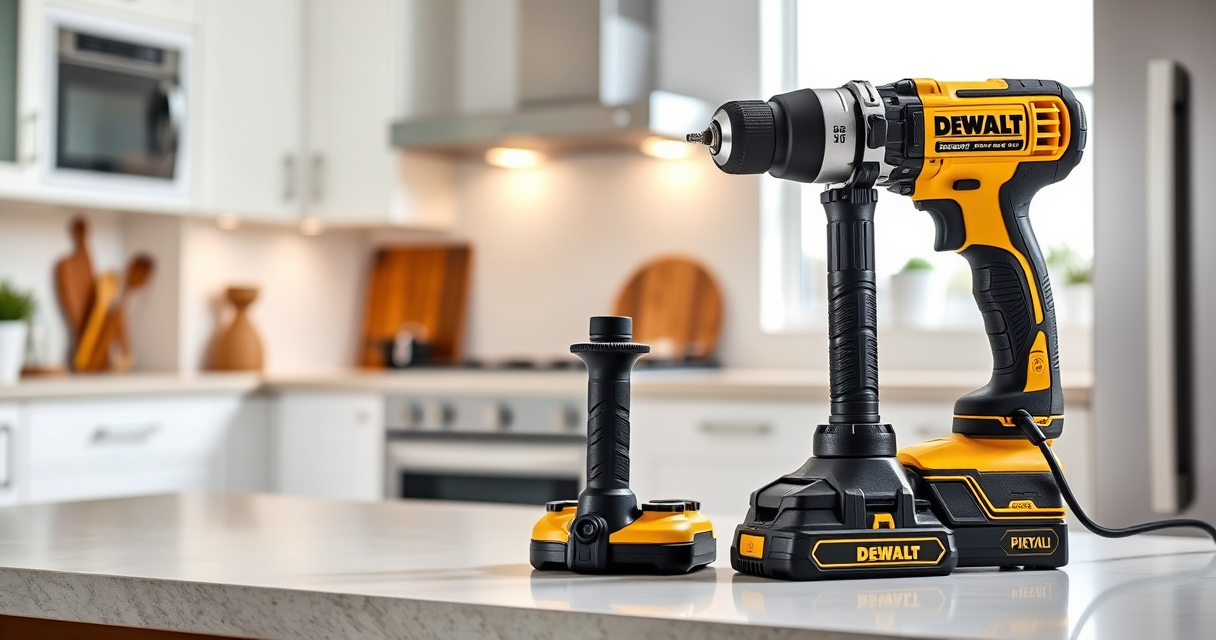

Proper care and troubleshooting are essential to keep your DEWALT 20V MAX Cordless Drill Driver Set operating smoothly. Whether you’re experiencing performance issues or routine maintenance needs, this comprehensive guide provides clear, practical steps to help you diagnose and resolve common problems. Equipped with the right knowledge, you can extend your tool’s lifespan and ensure it performs reliably on every job.

Get garden gear delivered free with Prime
- Fast, free delivery on millions of items
- Prime Video, Amazon Music and more included
- Member-only deals all year
From battery care to motor checks, follow these step-by-step instructions to troubleshoot effectively and maintain your DEWALT drill safely and efficiently.
Key Takeaways
| Battery Maintenance | Keep batteries charged and clean for optimal performance. |
| Motor Troubleshooting | Identify and fix motor or brushless issues promptly. |
| Cleaning & Storage | Regular cleaning and proper storage prevent damage. |
| Routine Checks | Inspect parts regularly to catch problems early. |
| Safety First | Always disconnect power before maintenance. |
Battery Care and Troubleshooting
- Ensure your battery is fully charged using a compatible DEWALT charger. Check the LED indicator for charge status.
- If your drill isn’t powering on, remove the battery and inspect for dirt or corrosion on the contacts. Clean gently with a dry cloth or soft brush.
- Verify the battery is seated correctly in the tool’s compartment. Sometimes, a loose connection prevents power.
- Test the battery in another compatible DEWALT tool to confirm if the battery is functioning properly.
- If the battery shows no charge or isn’t holding power, consider replacing it with a new 20V MAX 5 Ah battery.
Tip: Keep your batteries stored in a cool, dry place and avoid extreme temperatures to prolong their lifespan.
Motor and Brushless System Checks
- Listen for unusual sounds or excessive vibration during operation, which might indicate motor issues.
- If your drill is not running, check the trigger switch for debris or damage. Clean or replace if necessary.
- Inspect the brushless motor vents for dust or debris. Use compressed air to clean gently.
- Ensure the tool’s internal components are free of obstructions and that the gear mechanism moves smoothly.
- If the motor still doesn’t run, consider consulting a professional or contacting DEWALT support for repair options.
Warning: Do not attempt to disassemble the motor yourself unless you are trained in electrical repairs.
Cleaning and Storage Practices
- After each use, wipe the exterior with a damp cloth to remove dust and debris.
- Remove the battery before cleaning or storing the tool to prevent accidental activation.
- Store your drill in a dry, cool place away from direct sunlight and moisture.
- Use a dedicated tool bag or case for storage to prevent physical damage.
- Regularly check for loose screws or parts and tighten as needed.
Tip: Avoid leaving the tool in environments with extreme humidity or temperature fluctuations to prevent corrosion and component failure.
Routine Inspection and Maintenance
- Periodically inspect the chuck for wear or damage. Replace if the jaws no longer grip bits securely.
- Apply a few drops of lightweight machine oil to the chuck’s moving parts to keep it operating smoothly.
- Check the LED light and trigger switch for proper function before heavy use.
- Ensure the ventilation slots are free of dust and debris to prevent overheating.
- Use DEWALT-approved accessories and bits to avoid unnecessary strain on the motor and gearbox.
Warning: Never force the chuck open or close; replace it if it becomes jammed or damaged.
Safety Tips and Precautions
- Always disconnect the battery before performing any maintenance or troubleshooting.
- Wear safety goggles and gloves when cleaning or inspecting internal parts.
- Avoid exposing your drill to water or excessive moisture.
- Follow manufacturer instructions for battery charging and storage.
- If unsure about any repair, seek professional assistance to prevent injury or further damage.
Following these safety tips will help you maintain your DEWALT drill in top condition and ensure safe operation at all times.
The Products in This Guide

DEWALT 20V MAX Cordless Drill Driver Set
- ✔ Length: 7.6 inches
- ✔ Battery Capacity: 2.0 Ah
- ✔ Voltage: 20V MAX

DEWALT Drill Bit Set
- ✔ Material: High-speed steel
- ✔ Pieces: 14
- ✔ Tip Angle: 135°
DEWALT 20V MAX Cordless Drill Driver Set
The DEWALT 20V MAX Cordless Drill Driver Set is a powerful, compact tool designed for versatile use. Regular troubleshooting and maintenance can maximize its lifespan and performance. Always follow safety protocols and manufacturer guidelines for best results.
Pros:
- Brushless motor for longer run time
- Lightweight and ergonomic design
- LED work light
- Two-speed transmission
- Includes 2.0 Ah battery and charger
Cons:
- Battery life may vary with usage
- Can be sensitive to dust buildup
- Limited to 1/2 inch chuck size
Best for: Home improvement, DIY projects, light to medium professional use
Not ideal for: Heavy-duty industrial applications or prolonged use without maintenance
Bottom line: A dependable, lightweight drill suitable for most general-purpose tasks with proper care.
DEWALT Drill Bit Set
Pair your DEWALT drill with this 14-piece drill bit set for enhanced drilling capability. Designed with durability and precision, these bits are essential for tackling various materials with ease.
Pros:
- High-speed steel construction
- Split point design reduces walking
- Wide variety of sizes
- Rust-resistant coating
Cons:
- May wear out faster with heavy use
- Not suitable for industrial-grade tasks
- Requires proper storage to prevent rust
Best for: General-purpose drilling in wood, plastic, and metal
Not ideal for: Heavy industrial drilling or prolonged high-stress applications
Bottom line: A versatile, durable drill bit set that complements your DEWALT drill for most household and workshop needs.
Frequently Asked Questions
How often should I replace my drill batteries?
Replace batteries when they no longer hold a charge or show reduced runtime. Using high-quality 20V MAX 5 Ah batteries can extend their lifespan.
What is the best way to clean the motor vents?
Use compressed air to gently blow out dust and debris from the vents. Avoid liquids or harsh cleaning agents that could damage internal components.
Can I use different brand accessories with my DEWALT drill?
It’s recommended to use DEWALT-compatible accessories for optimal fit and performance, but many standard chucks and bits are compatible.
How do I troubleshoot if my drill is not turning on?
First, check the battery charge and connection. If fully charged and still not working, inspect the trigger switch and motor for obstructions or damage.
Is it safe to disassemble my DEWALT drill for repairs?
Only attempt disassembly if you are trained in electrical repair. Otherwise, contact a professional or DEWALT service center to avoid safety hazards.
Maximize Your DEWALT Durability with Proper Care
Maintaining your DEWALT 20V MAX Cordless Drill Driver Set involves regular cleaning, routine inspections, and proper handling of batteries and accessories. Following these troubleshooting steps ensures your tool remains reliable and effective for years to come. Remember, safety always comes first—disconnect power before inspection or maintenance, and seek professional help when needed. With proper care, your DEWALT drill will continue to deliver powerful performance for all your projects.
Affiliate disclosure: As an Amazon Associate we earn from qualifying purchases. Prices and availability are accurate as of the time of publishing.
Halloween Picks
halloween
As an affiliate, we earn on qualifying purchases.